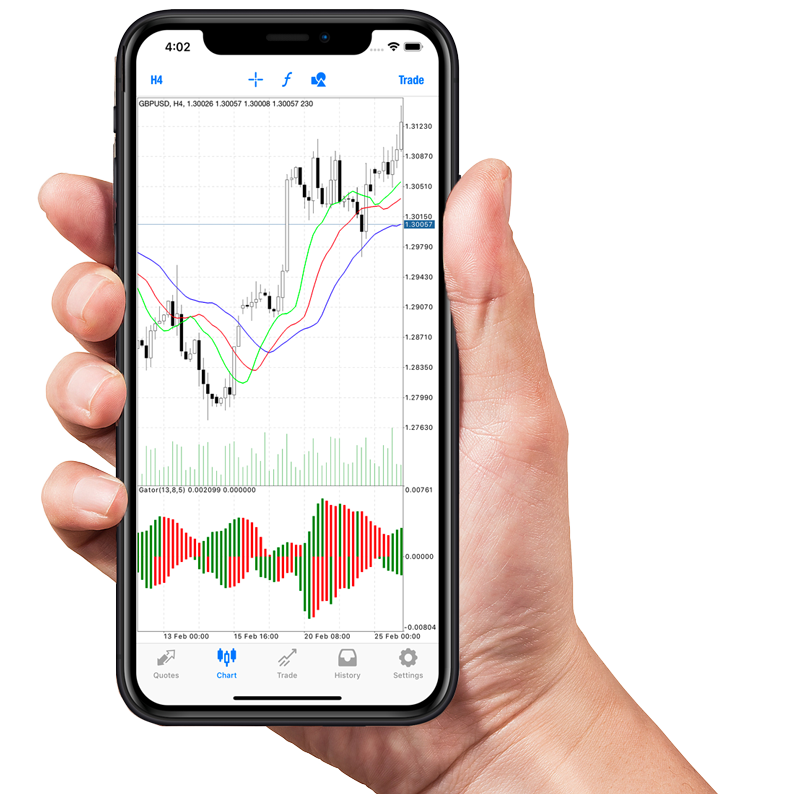
How To Execute Trades, Set Stop-Loss Orders, And Manage Your Portfolio On The Chosen Brokerage Platform
You Can Trade From Anywhere in the World?

The advent of online brokerage platforms has revolutionized the way we trade. With just a few clicks, you can buy and sell stocks, set stop-loss orders, and manage your portfolio from the comfort of your home or while on the move.
Getting Started with Your Brokerage Platform
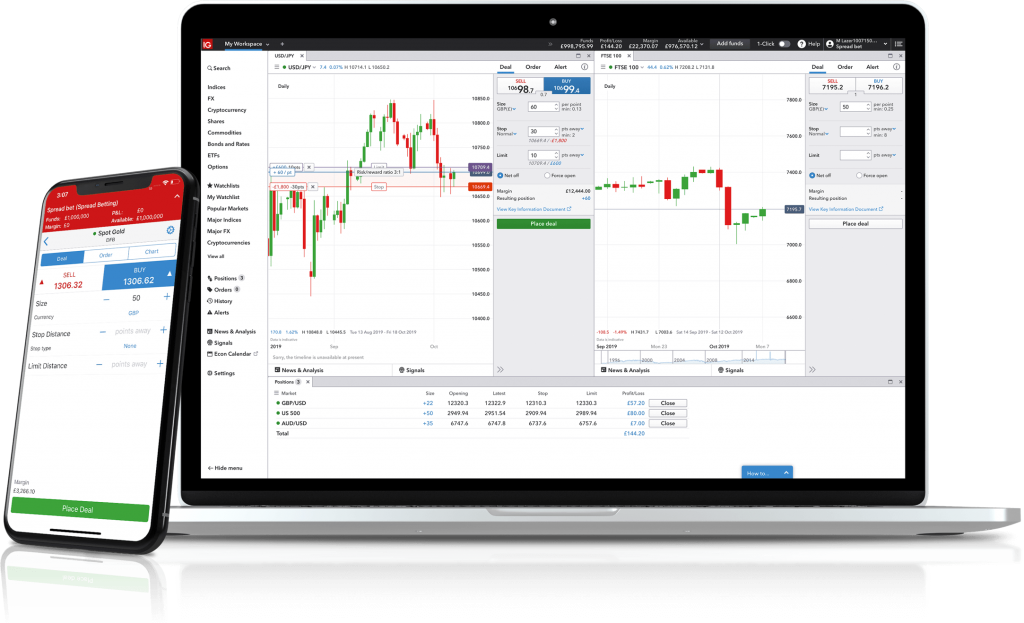
📝 Account Setup
Before you can execute any trades, you need to set up an account with your chosen brokerage platform. This typically involves providing personal information, setting up security measures, and funding your account.
Example: To open an account with XYZ Brokerage, you'll need to provide your name, address, social security number, and employment information. After your account is approved, you can transfer funds from your bank to start trading.
🔑 Understanding the Interface
Familiarize yourself with the platform’s interface. Look for the sections where you can view your portfolio, search for stocks, access market data, and find educational resources.
Example: On the ABC Trading platform, the 'Dashboard' tab gives you an overview of your account, while the 'Market' tab allows you to view stock prices and news.
Executing Trades
💹 Placing a Buy or Sell Order
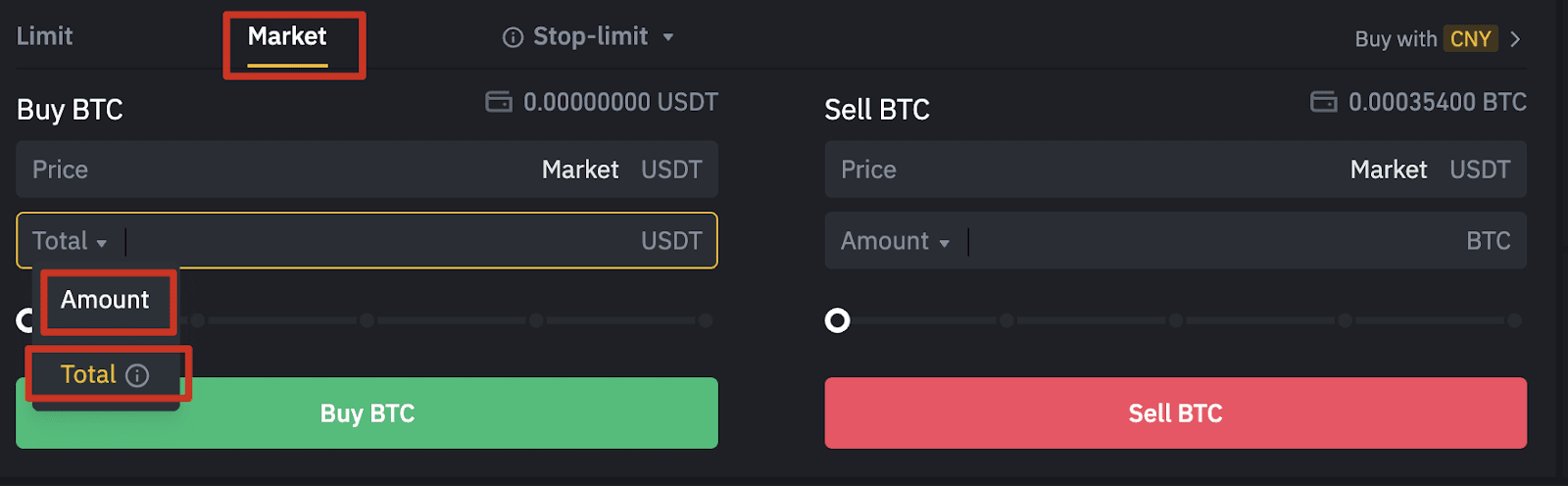
To execute a trade, navigate to the trade or order page. You’ll need to specify the stock ticker, the number of shares, and the type of order.
Example: To buy 100 shares of Apple (AAPL), go to the 'Trade' tab, enter 'AAPL' into the search bar, select 'Buy', enter '100' in the shares field, and click 'Confirm'.
🔄 Order Types
Understand the different types of orders: market orders, limit orders, and stop orders. Each serves a different purpose and gives you varying levels of control over the price.
Example: A limit order to buy AAPL at $150 will only execute if the stock's price reaches $150 or lower.
Setting Stop-Loss Orders

🛑 What is a Stop-Loss Order?
A stop-loss order is an order placed with a broker to buy or sell once the stock reaches a certain price. It’s designed to limit an investor’s loss on a security position.
Example: If you own shares of AAPL at $200 each, you could set a stop-loss order at $180 to protect against a significant drop in price.
🔧 How to Set a Stop-Loss Order
Navigate to the order page, select the stock, and choose ‘Stop-Loss’ from the order type options. Enter the stop price at which you want the order to trigger.
Example: For your AAPL shares, you would select 'Stop-Loss', enter '180' in the stop price field, and confirm the order.
Managing Your Portfolio

📊 Portfolio Overview
Regularly check your portfolio to see how your investments are performing. Look for any significant gains or losses and consider whether to adjust your strategy.
Example: The 'Portfolio' tab on the EFG Investing platform shows your holdings, performance charts, and asset allocation.
🔄 Adjusting Your Investments
Based on your portfolio’s performance and your investment goals, you may want to buy or sell certain stocks or rebalance your portfolio to maintain your desired asset allocation.
Example: If your portfolio is too heavily weighted in tech stocks, you might sell some of those stocks and buy into other sectors to diversify.
📚 Using Research Tools
Many brokerage platforms offer research tools and analytics to help you make informed decisions. Utilize these tools to study market trends and evaluate potential investments.
Example: XYZ Brokerage provides analyst ratings, earnings history, and price charts for all listed securities, which you can access under the 'Research' tab.
Real Stories of Success and Caution
🌟 Success Story: Diversification and Timely Trades
John Doe used his brokerage platform to diversify his portfolio across various sectors. By setting stop-loss orders, he protected his investments during market dips and capitalized on rebounds.
⚠️ A Cautionary Tale: Ignoring Stop-Loss Orders
Jane Smith neglected to set stop-loss orders for her high-risk investments. When the market suddenly dropped, her portfolio suffered significant losses that could have been mitigated.
By understanding and utilizing the tools available on your online brokerage platform, you can execute trades, set stop-loss orders, and manage your portfolio effectively to achieve your financial goals. Remember, the key to successful trading is not just in making transactions but also in strategic planning and risk management.
Short step-by-step plan:
Research and select brokerage platforms:
- Example: Research popular online brokerage platforms such as E*TRADE, TD Ameritrade, and Robinhood to understand their features and user interface.
Sign up and create an account:
- Example: Sign up for a demo account on a selected platform to practice executing trades and setting stop-loss orders without risking real money.
Learn to execute trades:
- Example: Practice buying and selling a stock or ETF on the chosen platform, taking note of the order execution process and any fees involved.
Set stop-loss orders:
- Example: Explore the platform’s functionality for setting stop-loss orders to protect your investments from significant losses.
Manage your portfolio:
- Example: Use the platform’s portfolio management tools to track your investments, analyze performance, and make informed decisions.

Free Registration for Stock Market Tips ( Advisory Services)
As per the SEBI rules, we will provide our Services only to those clients who have Complete Risk Profile. Fill This Registration Form and
Contact us on
- Whatsapp @ +91 95999 69624
- Call Us @ +91 82 7799 7560
for further process.
Risk Profiling is COMPULSORY
Stock Market Analysis and Predictions for 2025 Current Market Conditions The stock market is very volatile right now, causing worry among …
Popcorn Tax: Effects the Indian Economy The government of India has recently made the decision to increase the Goods and Services Tax …
Summary of India’s GDP Data Key Data Release An important GDP data release was scheduled post-market closure on November 29. This data …
Nifty Stock Market Analysis by EquityX 25-11-2024 Final Closing Details Nifty Closing Level: 23970 Friday’s Closing Gain: Nifty surged by 557 points. …
The Impact of Liquidity on Intraday Trading Strategies for Maximizing Returns Intraday trading, also known as day trading, involves buying and selling …
Mastering Intraday Equity Trading Top 10 Intraday Trading Tips for Success Intraday equity trading can be an exciting and profitable venture, but …
Strategies for Successful Intraday Equity Trading Intraday trading in the fast-paced world of equity markets can be both thrilling and challenging. With …
The Art of Using Stop-Loss Orders in Intraday Equity Trading Intraday equity trading can be a thrilling and potentially lucrative venture for …
Important Tools for Analyzing Intraday Equity Markets Intraday trading in equity markets can be thrilling and profitable, but it also requires a …
Share Market Tips For Beginners The share market, also known as the stock market, is a crucial component of the global financial …
What Are Macroeconomic And Market-Specific Risks Macro and Market Risks Macroeconomic and market-specific risks can significantly impact the financial performance of businesses …
What Are Risk Management Strategies In Stock Portfolio Risk Management Strategies: In the context of stock portfolio management, risk management refers to the process …
What Are Financial And Business Risks In Stock Investments Interesting Fact: financial and business risks are inherent in stock investments, and understanding …
Risk Assessment Not All Risks Are Equal? When it comes to investing in the Indian stock market, understanding and assessing risk is …
What Are Regulatory And Geopolitical Factors Influencing Stock Investments Regulatory Factors in Stock Investments Regulatory factors play a crucial role in influencing …
What Are Industry Trends And Competitive Positioning Of Companies Industry Trends and Competitive Positioning Analyzing industry trends and competitive positioning is crucial …
Assessing Management Quality And Corporate Governance Practices Interesting Fact: The quality of management and corporate governance practices can significantly impact a company’s …
Qualitative Analysis Companies Have Personalities? Just like people, every company has its own personality, which can be understood through Qualitative Analysis. This type …
What Is Price-To-Book (P/B) Ratio And How It Can Help In Evaluating Stock The Price-to-Book (P/B) Ratio The P/B ratio is a …
The Price-To-Earnings (P/E) Ratio And Its Significance In Stock The price-to-earnings (P/E) ratio and its significance in stock analysis The P/E ratio …
Discounted Cash Flow (DCF) Analysis And Its Application In Stock Valuation Discounted Cash Flow (DCF) Analysis Discounted Cash Flow (DCF) analysis is …
Valuation Techniques True Worth of a Company? Valuing a company is both an art and a science. Investors around the world use …
What are Undervalued And Overvalued Stocks Based On Fundamental Analysis Fundamental Analysis fundamental analysis is a method used to evaluate the intrinsic …
What are Economic Indicators And Their Impact On Stock Prices The stock market is influenced by a wide range of economic indicators? …
Financial Statement Analysis: Balance Sheet, Income Statement, And Cash Flow The balance sheet, income statement, and cash flow statement are the three …
Technical Analysis Indicators To Make Informed Investment Decisions Technical Analysis Indicators Technical analysis indicators are mathematical calculations based on historical price, volume, …
Technical Analysis Tools For Short-Term Stock Market Investment 📈 Candlestick Patterns Candlestick patterns are a crucial part of technical analysis. These patterns provide …
Technical Analysis For Short Term Trading Charts Can Tell Stories? Investing in the stock market is not just about picking stocks at …
What Are The Impact Of Market Trends On Stock Selection Market Trends and Their Impact on Stock Selection Market trends can significantly …