How To Place a Bracket Order in Zerodha

Here is a step-by-step tutorial on placing a bracket order in Zerodha

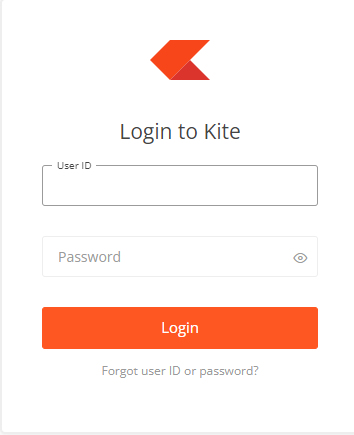
Log in to your Zerodha account using your credentials.

Once logged in, navigate to the trading dashboard or platform.

Select the stock or instrument you want to place a bracket order for. You can search for the stock using the search bar or browse through the available options.

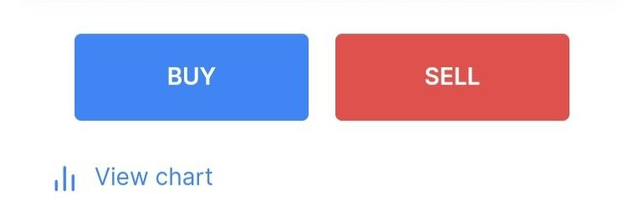
Once you have selected the stock, click on the "Buy" or "Sell" button, depending on whether you want to buy or sell the stock.

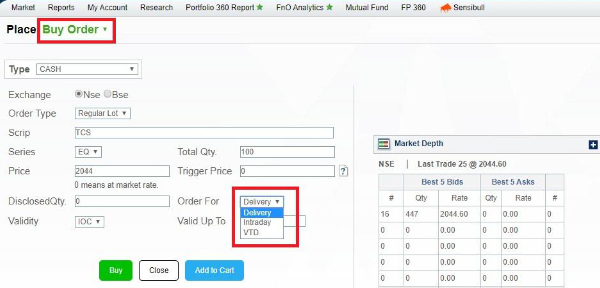
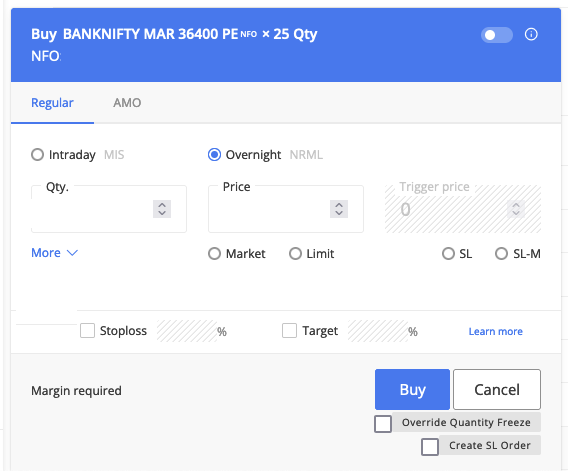
A new window will open with order details. In this window, you will find various order types. Look for the "Bracket Order" option and select it in Intraday

After selecting the bracket order type, you will see additional fields to fill in the order details.

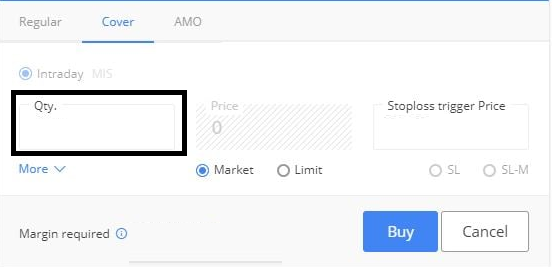
Enter the quantity of shares or contracts you want to trade in the "Quantity" field.

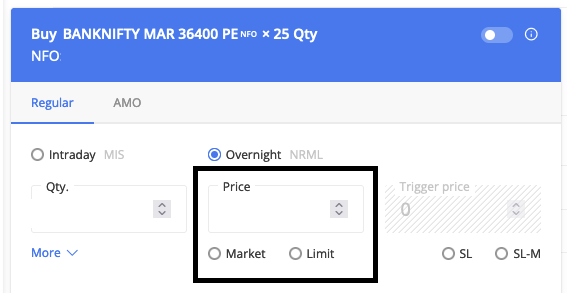
Specify the price at which you want to enter the trade in the "Price" field. You can choose between "Market" or "Limit" price depending on your preference.

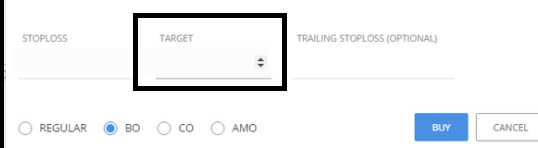
Set your target price in the "Target" field. This is the price at which you want to exit the trade with a profit.

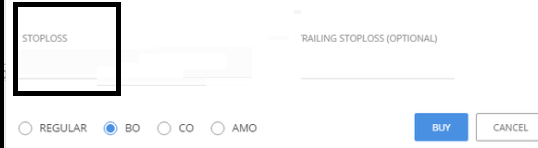
Enter your stop-loss price in the "Stop Loss" field. This is the price at which you want to exit the trade to limit your losses.

Review all the order details carefully to ensure they are correct. Once you have reviewed the details, click on the "Place Order" button to submit your bracket order.

After placing the order, you will receive a confirmation message with the order number and other relevant details. Monitor your trade and make necessary adjustments if required.

best bank nifty option tips provider in india

Free Registration for Stock Market Tips ( Advisory Services)

As per the SEBI rules, we will provide our Services only to those clients who have Complete Risk Profile. Fill This Registration Form  and 
Contact us on

  • Whatsapp @ +91 95999 69624
  • Call Us @ +91 82 7799 7560 
    for  further process.

Risk Profiling is COMPULSORY

Scroll to Top